Project Mouse
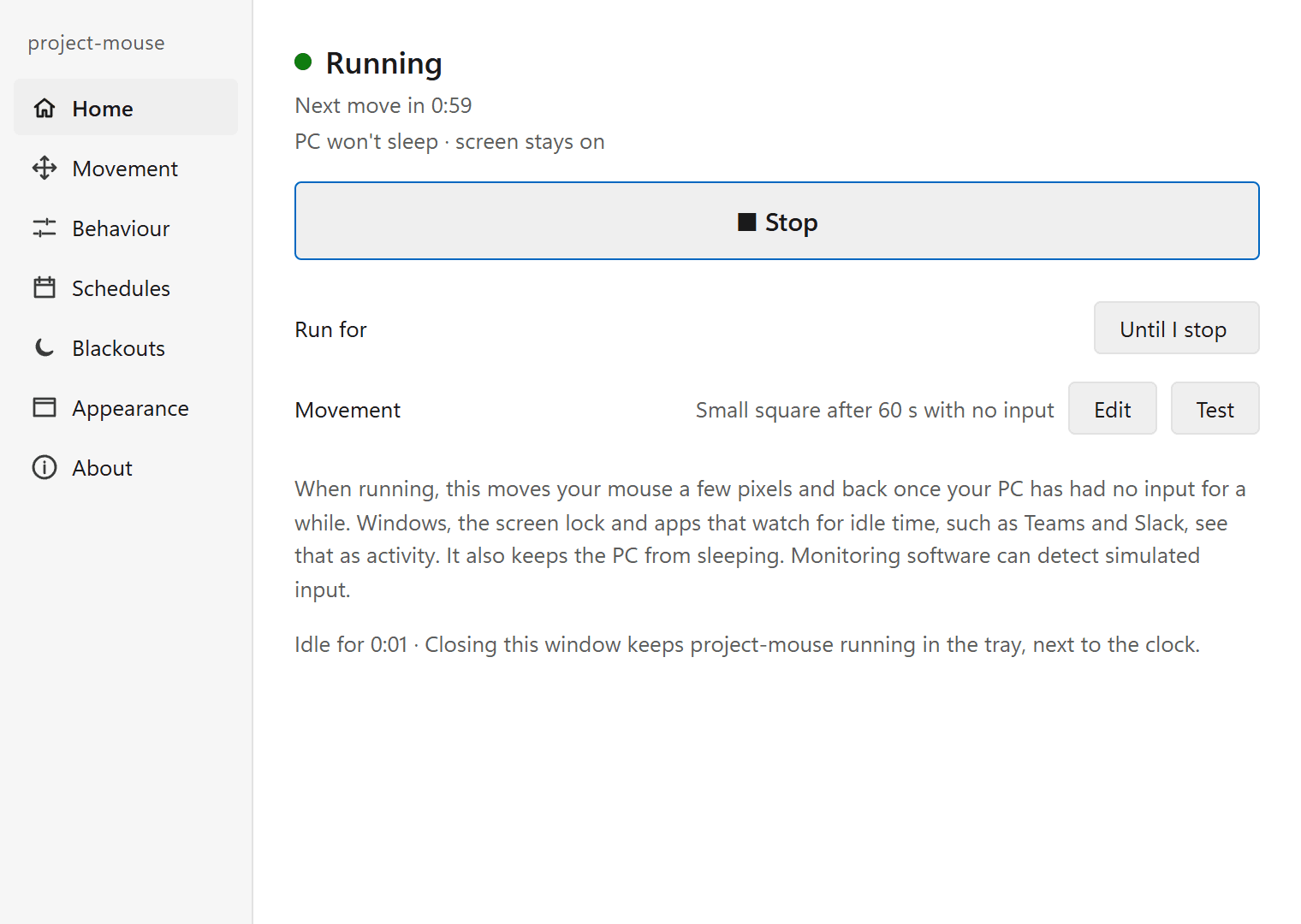
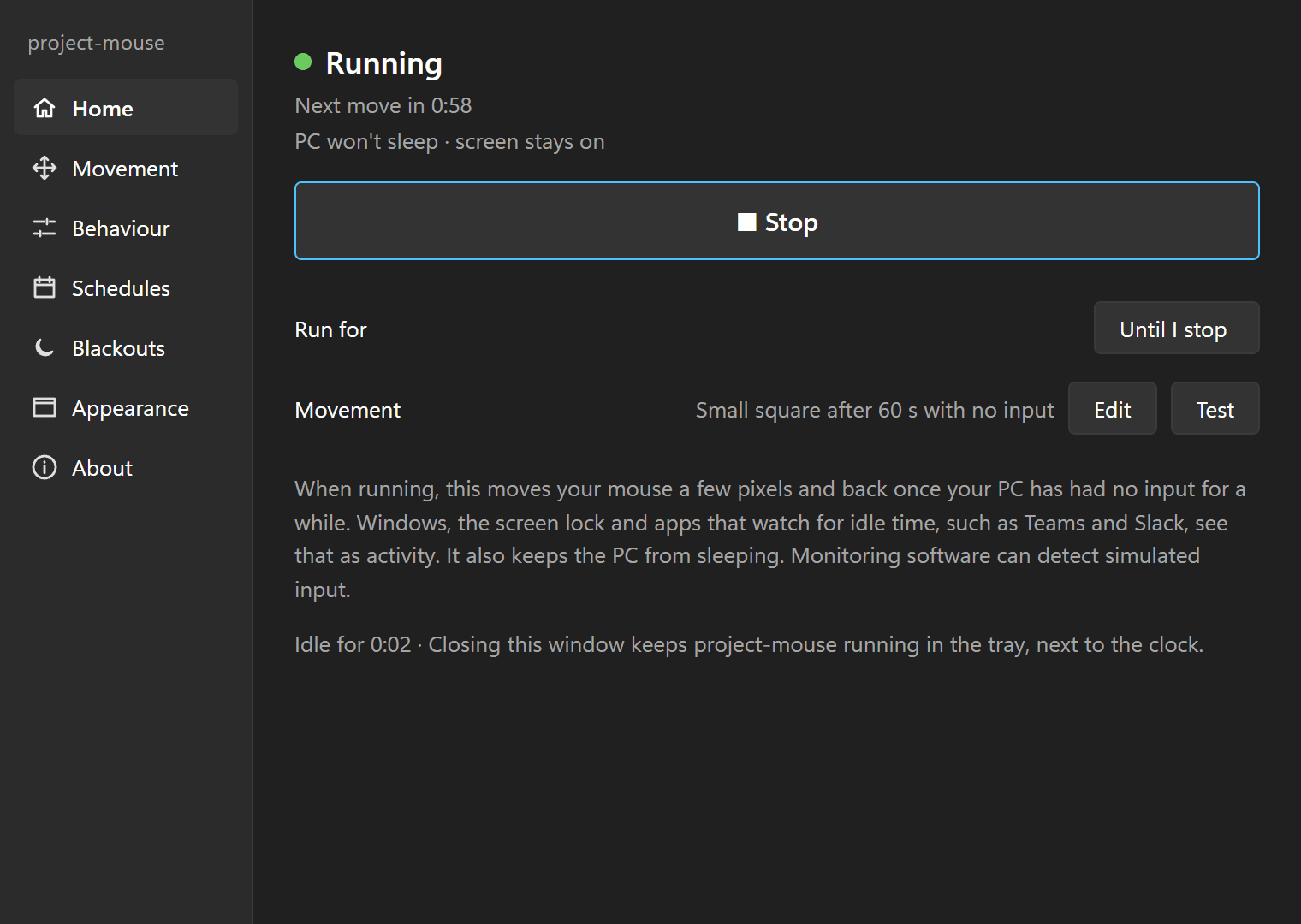
A Windows tray app that keeps your PC awake and moves the mouse a few pixels after it has been idle, so the screen lock and apps such as Teams see activity. One Start button.
Download Project Mouse
Version 1.0.1, released 30 October 2026
- 64-bit, installs for you alone, no admin rights needed
- Updates itself: the tray says when a new version is out
- Free and open source, MIT licence
The installer is not code-signed yet, so the first time Windows SmartScreen asks: choose More info, then Run anyway. Signing through SignPath Foundation has been applied for.
About the project
Windows, the screen lock and chat apps decide you are away by watching idle time. Project Mouse keeps the PC awake with a Windows power request and, while it runs, moves the mouse a few pixels and back once the PC has had no input for a while, so they see activity. It is built as a modern, open alternative to Move Mouse, and it imports Move Mouse settings.
The core is Rust on Tauri v2 with a small React window that opens at launch and closes to the tray. It changes no system settings and lets go of everything when it exits, and it says plainly that monitoring software can detect simulated input. Releases ship through GitHub Releases with signed in-app updates.
Decisions
- One Start button does both jobs: it holds a Windows power request so the PC stays awake, and it moves the mouse a few pixels and back only after the PC has had no input for a while.
- Every release is built by GitHub Actions: CI runs formatting, Clippy, the tests, an honesty lint and a size gate first, and the update feed is signed so installed copies only take real releases.
- It is tested on the real window: Playwright drives the Windows app over the WebView2 DevTools port, which caught bugs the unit tests could not.
Screens
What it covers
- Start and Stop, with Run for 30 minutes, a few hours or until a set time
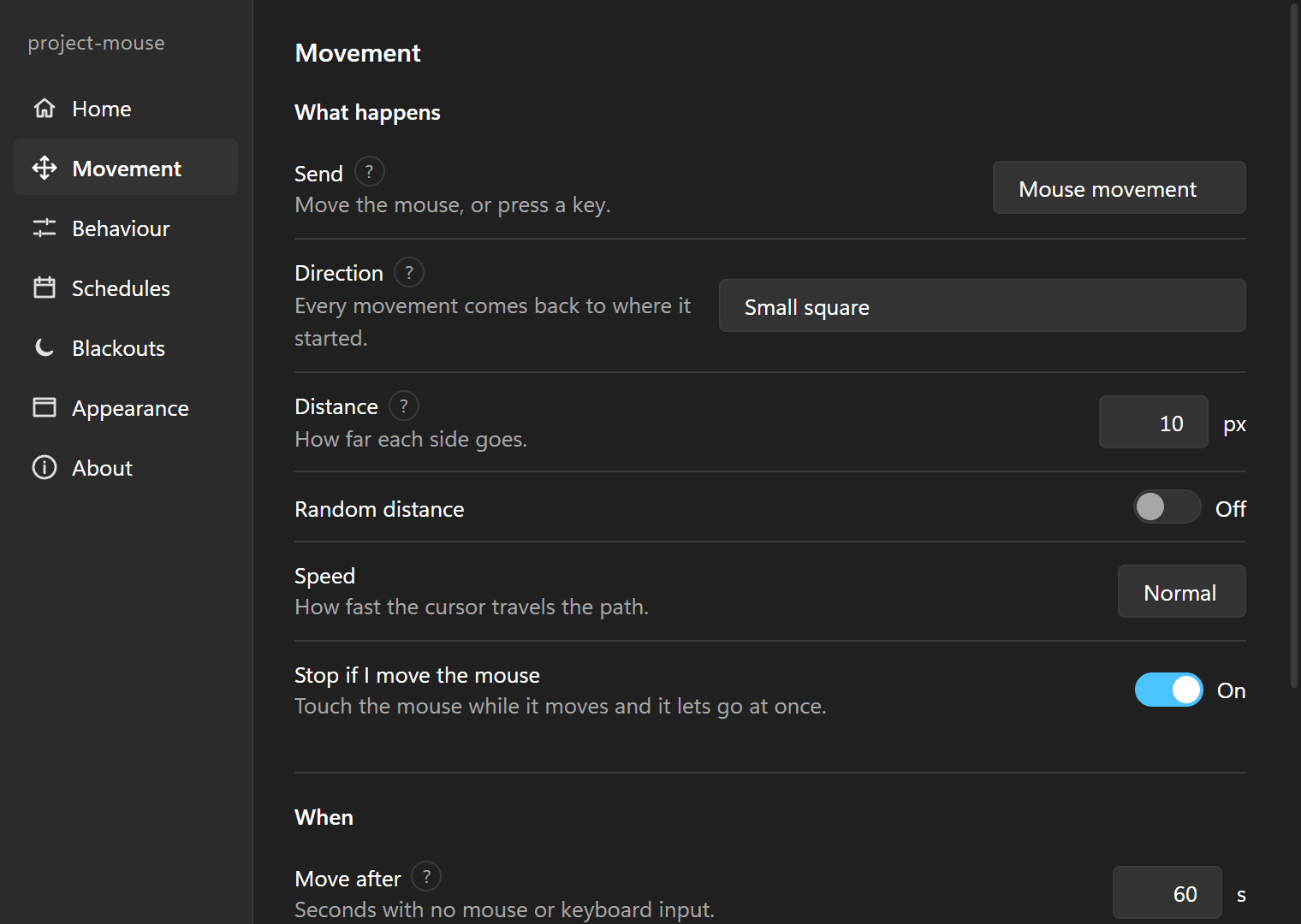
- Sixteen movement patterns, including an invisible nudge, with random interval and distance
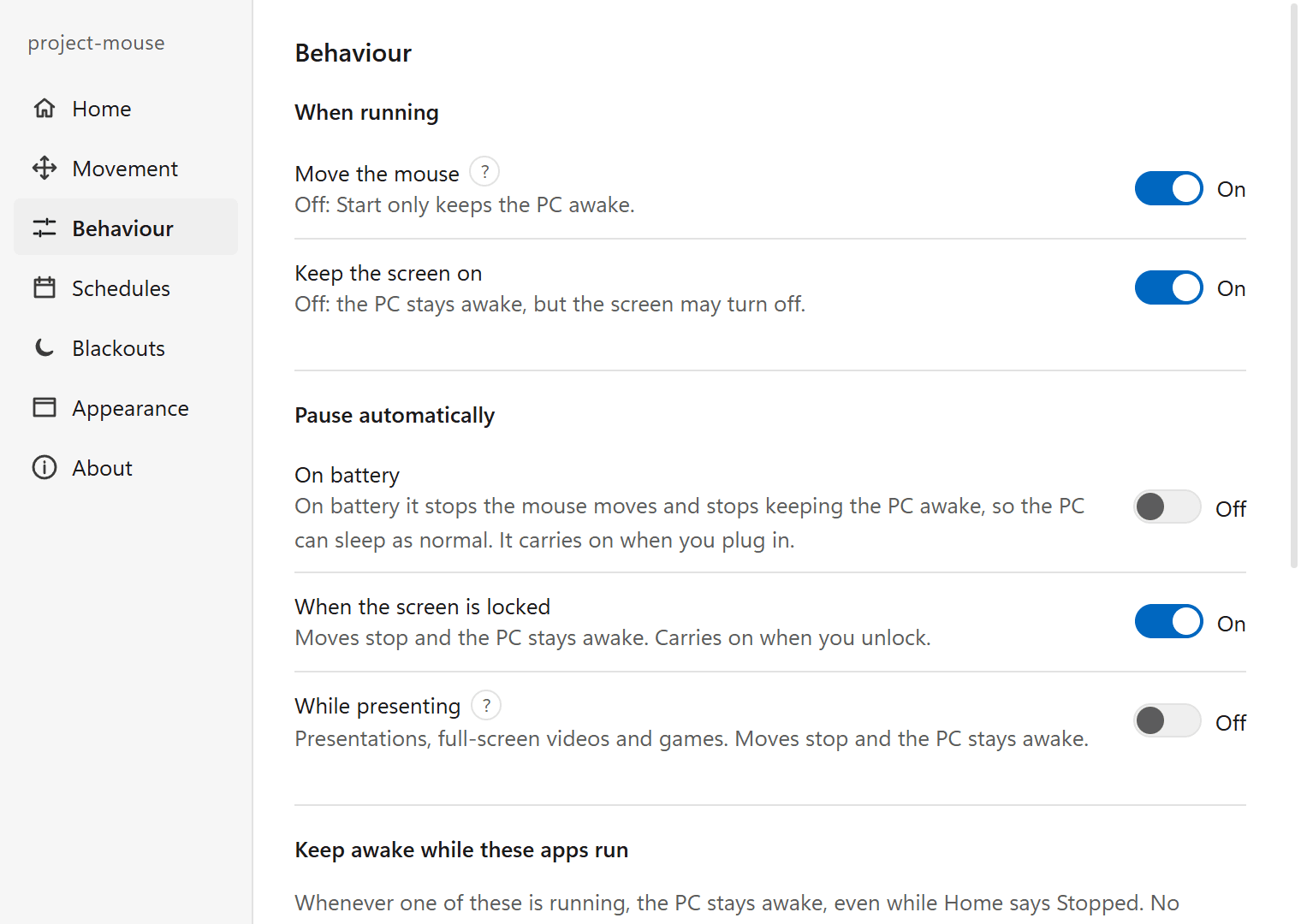
- Automatic pauses on battery, when the screen is locked or while presenting
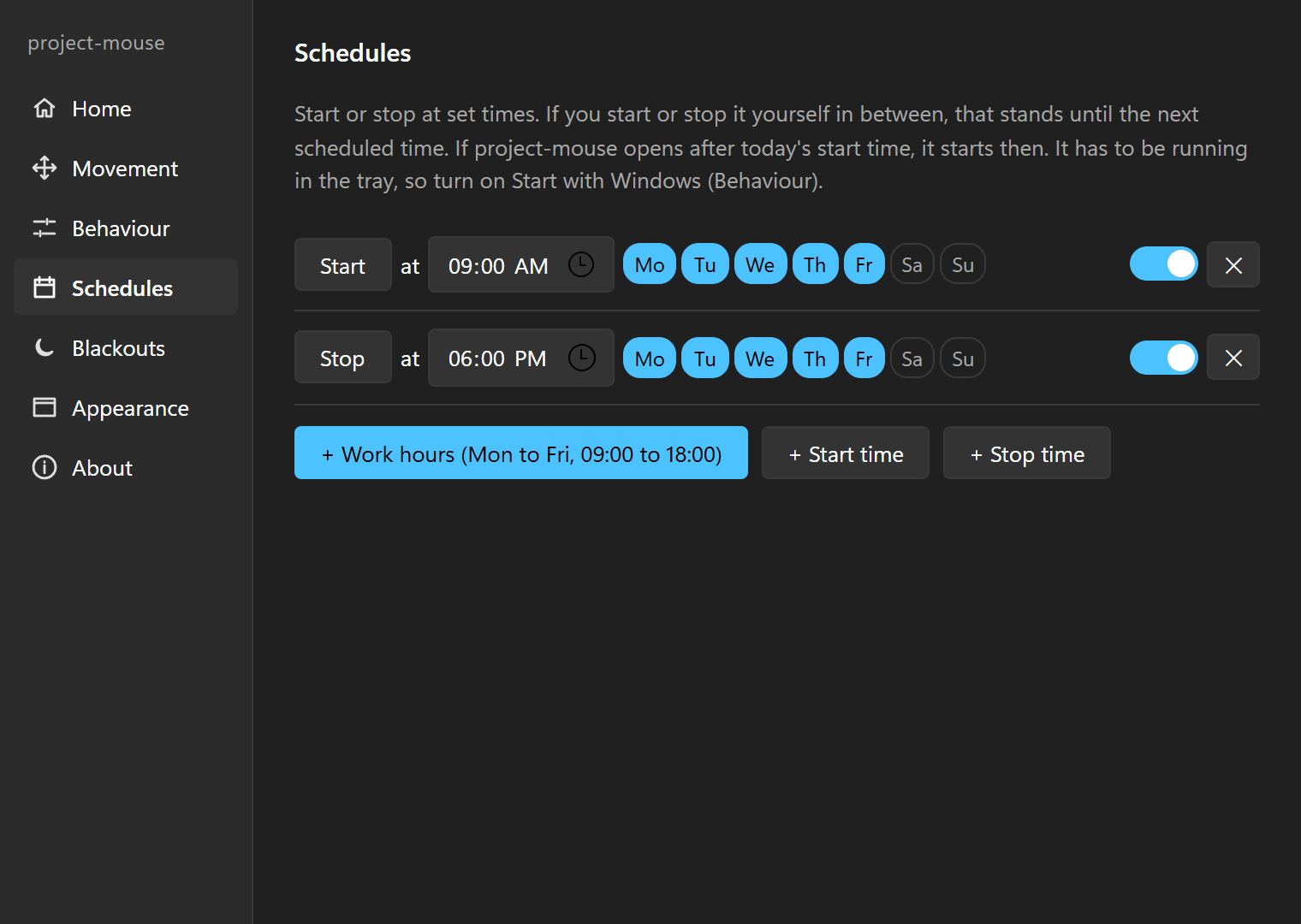
- Weekly schedules and blackout times, such as lunch
- Keep awake while chosen apps run, for builds and downloads
- A "why is my PC awake?" report and an activity log
- Imports Move Mouse settings
- Light and dark themes, tray icon status and optional notifications